

Make your colour by number
Upload a photo, choose the style and see your page. Then save your design and add it to the cart.
or drop a photo here (JPG, PNG)
Fewer pixels are easier, more pixels show more detail.
English letters and numbers.
Choose your own photo to save your design.
You get: your page as A4 and A3 PDF files with a solution page, to download from your order after payment.
How to Color
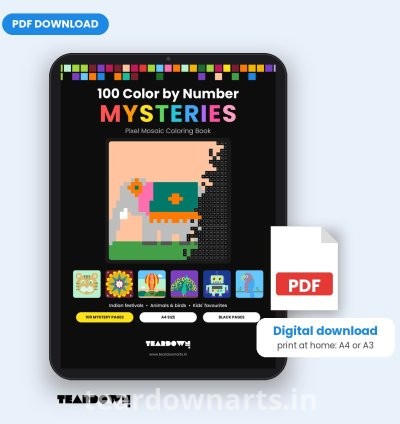
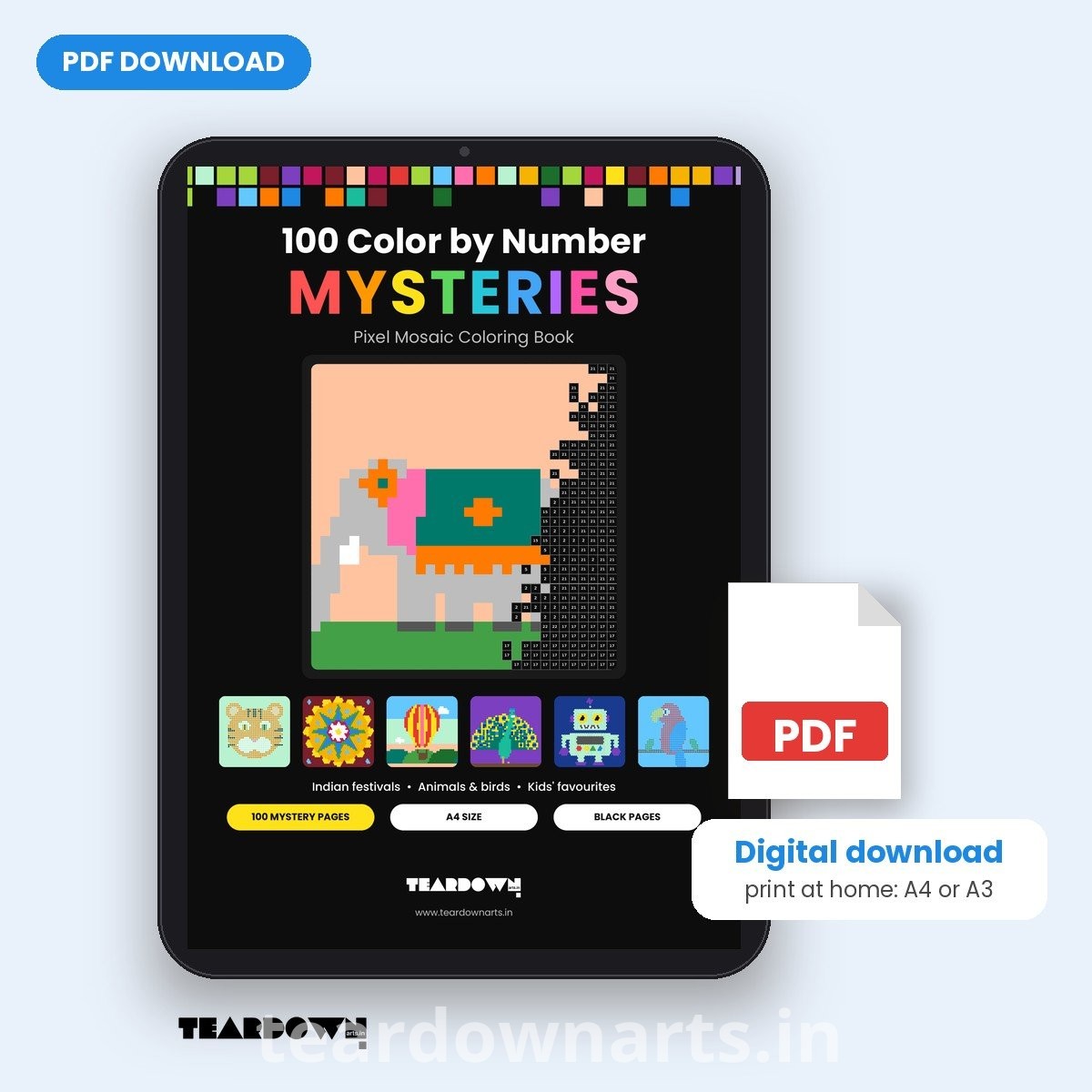
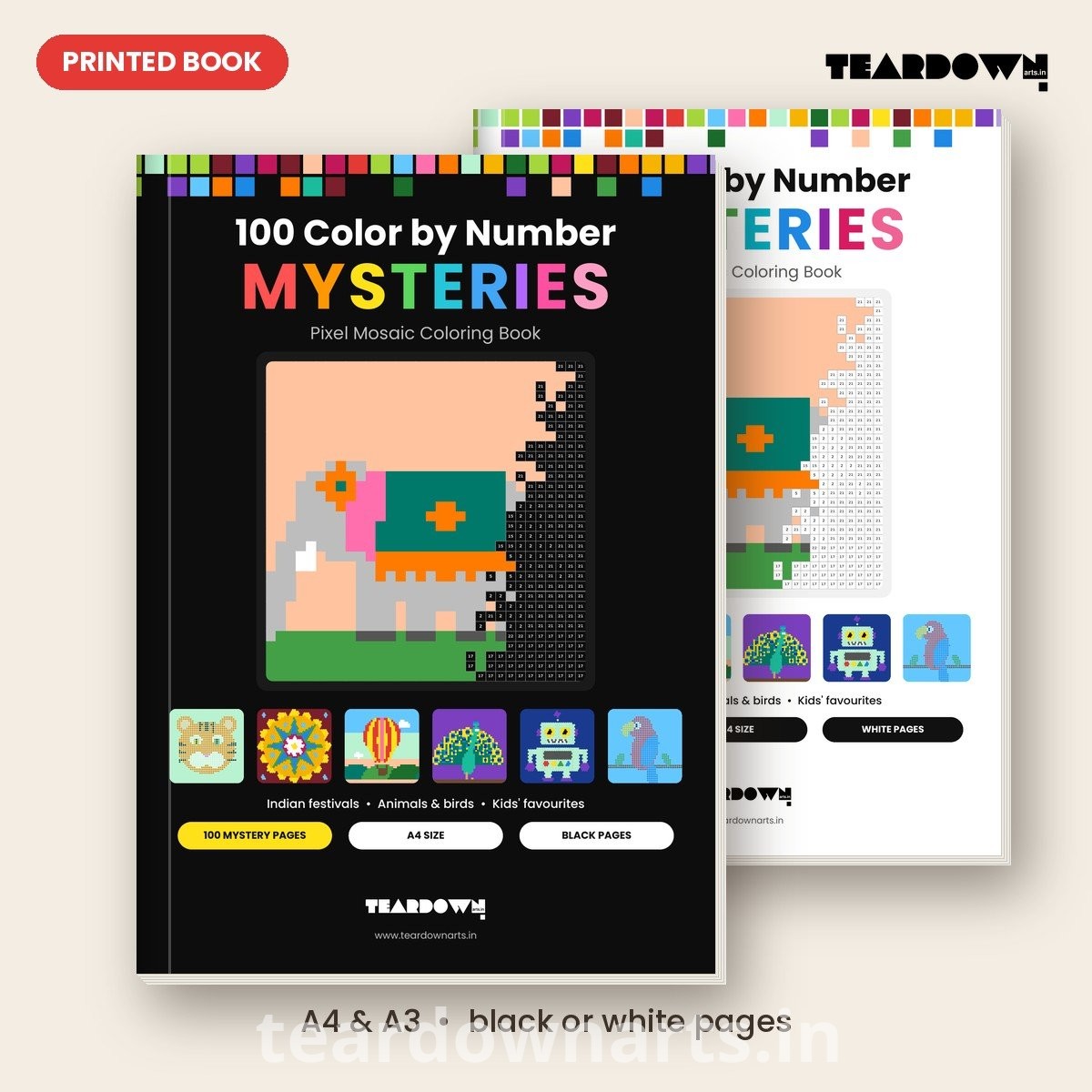
1. Every page is a hidden picture made of pixels: squares, circles or hexagons.
2. Each pixel shows a number. Find that number in the colour key below the picture.
3. Colour the pixel with the matching colour. The same number is always the same
colour in this book.
4. Pixels marked 0 stay white: just leave them. Pixels marked 25 are coloured black.
5. Keep going and watch the mystery picture appear!
Tips: test your pens on the Colour Test Page first. Fine-tip markers and coloured
pencils work well. Place a sheet of paper behind the page when you use markers.
Stuck? The finished pictures are at the back of the book.
The colours used in this book
0 Leave white 1 White 2 Light Grey 3 Yellow 4 Gold 5 Orange
6 Red 7 Pink 8 Magenta 9 Purple 10 Lavender 11 Navy
12 Blue 13 Sky Blue 14 Turquoise 15 Teal 16 Dark Green 17 Green
18 Lime 19 Brown 20 Tan 21 Peach 22 Dark Grey 23 Maroon
24 Mint 25 Black
No reviews found!

No comments found for this product. Be the first to comment!